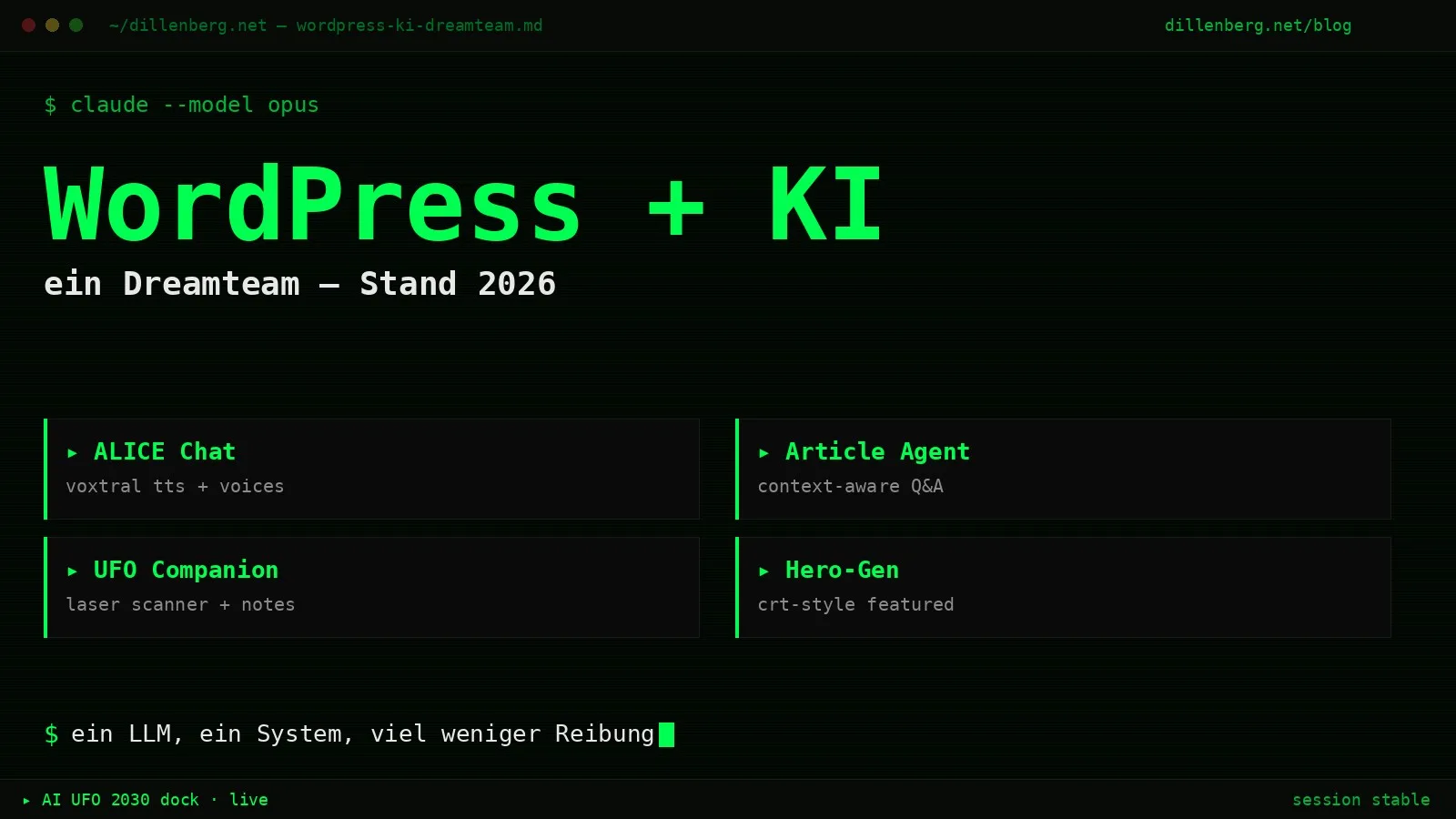
How since 2025 I’ve been building a system that lets me build websites cleanly, purely with an AI — and maintain them. Server included.
It’s here.
Since 2025 I’ve been building a system that lets me create websites cleanly, purely with an AI — and later maintain them too. Server included. And designing and building this way has become genuine fun by now. Not the “prompt-paste-prompt-paste” kind of fun, but: I describe what should come out, the rest happens.
The ground rule: one main LLM
I only talk to one AI. Currently Claude. Claude knows my system automatically — through the framework, through the CLAUDE.md in the repo, through the memory files, through the git history. I don’t have to explain every time that the tracker DB lives under /opt/dillenberg-tracker/ or that the Telegram token sits in a mu-plugin constant. Claude knows that.
When I want to extend Claude, I build a Skill. When money gets tight, I swap Claude for a free model (gpt-oss-20b via OpenRouter, for example) — doesn’t work quite as precisely, but the architecture around it stays identical.
What I don’t do:
- No plugin jungle. No Contact Form 7. No JetPack. No “SEO plugin across 14 tabs”. Whatever needs plugin logic, I build myself — lean, in the git repo, without 17 settings pages.
- No “prompt-paste-prompt-paste” workflow.
- No multi-LLM theatre. One AI that knows the system beats three AIs that start from scratch every time.
What’s running on www.www.dillenberg.net by now
Skip the plugin marketplace. Here’s the list of AI features I actually use — not because they look cool, but because they save me friction:
ALICE — the chat at /alice/
A full standalone chat, with Voxtral TTS from Mistral and a selection of character voices (Jane with UK sarcasm is my favourite). Responses come via OpenRouter, the model swaps as needed — status up in the bar, live.
Article Agent — the question box under every blog post
You don’t highlight passages, you just ask. Answers flag their source: [FROM THE ARTICLE] or [MY CONCLUSION]. You decide what counts. No waffle.
UFO Companion — context by laser
A little UFO flies along with the cursor, you highlight text, a green laser beam scans the selection with downstream particles, and out of that comes a context note that stays on the page — persistent per browser, per page. With a bookmark rail on the right for notes that have scrolled out of the viewport. Guests get 3 answers per day, registered users unlimited — registration is open.
AI UFO 2030 — the dock at the bottom right, for all visitors
Three buttons:
- Back-to-Top
- Companion toggle (only for logged-in editors)
- Ask about the article / Contact (context-dependent)
On a blog post, “Ask” jumps to the Article Agent box. Everywhere else a text field unfolds that goes straight to my Telegram — honeypot, rate limit (5 per hour per IP), no email drama, no “send us an email at info@…”.
Hero image generator
A Python script on the server builds a 1600×900 CRT-terminal hero for every blog post in the site’s style. Featured-image import via WP-CLI, WebP conversion handled by its own webp-auto mu-plugin in the background. One command, finished featured image.
Tracker with FastAPI
Pageviews, chat logs, an SSE dashboard on loopback, mapped by nginx under /_signal/. HMAC-signed for write endpoints. SQLite underneath. A standalone Python program; WordPress only hands over the frontend.
Operator — live ops in the WP admin
A dedicated admin page “Dilles Operator · Live Ops” right inside the WordPress backend. Counters up top: active sessions, total, MSG/h, MSG/24h, tokens, voice, vision, video. On the left a session list with ID, message count and idle time. In the middle a data-flow diagram — who’s talking to whom right now (User · Browser → ALICE frontend → WP /llm /tts → OpenRouter / Mistral Voxtral). On the right a live feed (LLM_IN / LLM_OUT, with session ID and snippet), wired to the tracker backend via Server-Sent Events. No clicking through, no tab switching — every conversation currently running, at a glance.
Telegram bridge / conversation mode
When someone lands on /gespraech/ and I can’t answer directly, an AI stand-in takes over, gathers the context, sends me a briefing message on Telegram. I reply from my phone, the answer comes back onto the page. Asynchronous first contact — works better than any contact form in the world.
rent-a-human — a dedicated A2A endpointrent-a-human.www.www.dillenberg.net is a spec-compliant A2A v1.0 agent. AgentCard at /.well-known/, JSON-RPC at /a2a/jsonrpc, test suite against the Python a2a-sdk 10/10 green. So other AI agents can talk to my agent directly.
Three custom templates for blog posts
Editorial (magazine style), Longform (compact, for long texts), Terminal (monospace with $ cat post.md as the header). Selectable per post in the FSE editor.
OpenGraph + Twitter Cards generated automatically, wp_generator / RSD / wlwmanifest removed. Lean head, clean output.
What this means in practice
Last night I wanted exactly this AI UFO 2030 dock. I described it to Claude — three buttons, context-dependent, Telegram hook-up, green neon, particle effects on the laser. An hour later it was live. Plugin written, REST endpoint checked/reused, CSS and JS deployed, tested in the browser, done.
What was a weekend project two years ago is an evening today. What was a job for a freelancer five years ago is a conversation with Claude today.
The system maintains itself by now, too. Updates, hardening, backups — same pipeline. I describe what needs doing. Claude does it. I look it over. Commit. Deploy.
What comes next
More AI features with real use. The question isn’t “what’s possible with AI?”, the question is “what genuinely gives me back time or removes friction?”. Everything else is a gimmick.
If there’s interest — drop it in the comments — I’ll turn this into a complete guide. From the Hetzner server through the nginx config, WP hardening, mu-plugins, the plugin architecture pattern, all the way to the deployment workflow with Claude Code. Step by step.
In exchange for reputation: reach, comments, sharing.
See it live: www.www.dillenberg.net (bottom right, the dock)
Leave a Reply